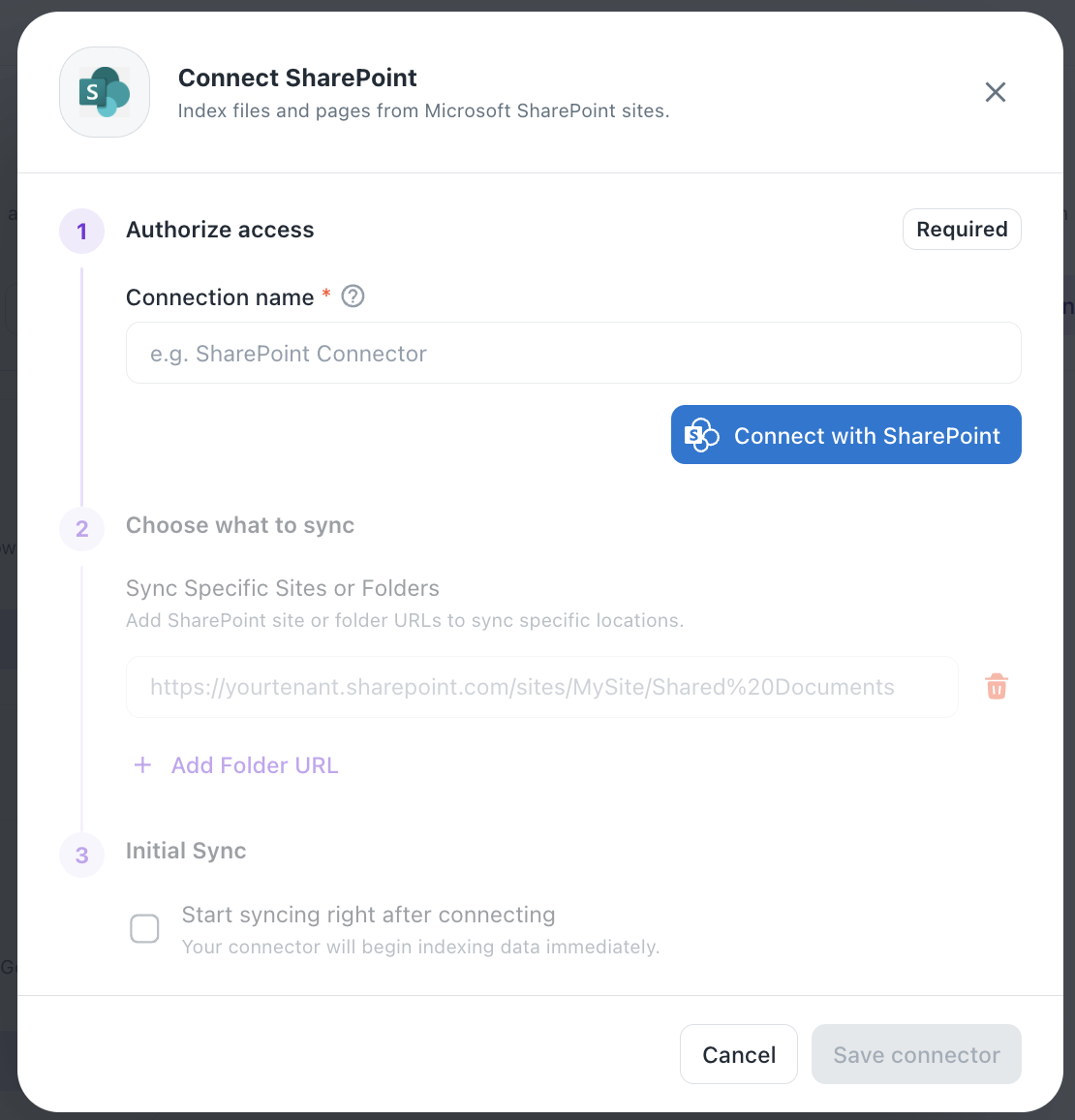
Connect SharePoint
Index files and pages from Microsoft SharePoint sites.
Steps
1. Authorize access (Required)
- Enter a Connection name (e.g. "SharePoint Connector")
- Click Connect with SharePoint to authenticate via OAuth
2. Choose what to sync
- Sync Specific Sites or Folders — add SharePoint site or folder URLs (e.g.
https://yourtenant.sharepoint.com/sites/MySite/Shared%20Documents) - Use + Add Folder URL to include additional sites/folders
- Use the trash icon to remove an entry from the list
3. Initial Sync
- Optionally check Start syncing right after connecting to begin indexing immediately upon setup
4. Save
- Click Save connector to complete setup, or Cancel to discard
Was this helpful?